What Is Audio Latency?
Audio latency refers to the delay between when an audio signal is created and when it is heard. This guide explains the causes of audio latency, examining hardware, software, and network factors, and offers practical strategies for improvement.
What is Audio Latency?
As digital audio technology advances, audio latency remains a significant technical challenge for both professionals and everyday users. Whether it’s recording in a studio, real-time reaction in esports, or seamless interaction in an online meeting, audio latency is a key factor. This article breaks down what audio latency is, what causes it, and practical ways to reduce it—helping you optimize audio performance across a variety of scenarios.
Understanding Audio Latency
While the idea of audio latency is straightforward, its technical implications are nuanced and critical throughout every stage of audio processing. Audio latency refers to the delay between when an audio signal enters the system and when it is actually heard at the output. Although measured in milliseconds (ms), even small amounts of latency can noticeably affect audio quality and user experience.
What is Audio Latency? How Is It Measured?
Audio latency is the time it takes for a sound to travel through the entire audio system—from the instant sound is converted to an electrical signal (such as by a microphone), through analog-to-digital conversion (A/D), digital processing, data transfer, digital-to-analog conversion (D/A), and finally output through a speaker.
Note: This article mainly focuses on round-trip latency (RTL)—the total time it takes for an audio signal to go from the input device, through all processing, and out again via the output device. This end-to-end delay is crucial for audio professionals1.
In professional contexts, latency is measured in milliseconds. Even a small increase can have a big impact. For example, high-end studio systems may achieve round-trip latency below 5 ms, while typical online conferencing might range from 50 to 300 ms, depending on system complexity.
Human Perception of Latency
People can detect very small audio delays, but sensitivity varies by context and individual. Research shows2:
For General Listeners:
- At zero base latency, the average threshold for noticing a delay is roughly 49 ms.
- When overall latency is already 64 ms, the threshold for noticing an extra delay drops to 27 ms. This means we’re more sensitive to added latency.
- Latency under 10 ms is typically not noticed by most people, though skilled performers might still sense it.
For Musicians and Performers:
- 5–10 ms: A detectable sense of delay may occur for professionals.
- 15–30 ms: Noticeable disruption in musical performance or ensemble tightness.
- 10–20 ms: Trained musicians can perceive timing “looseness” or phase issues.
- Over 40 ms: The performance or conversation flow can be severely impeded.
Highly trained percussionists or pianists may notice even 5–8 ms of latency3. This explains why certain audio applications — like live performance — require especially low latency.
Latency vs. Jitter
While related, latency and jitter are not the same:
- Latency: The consistent, fixed delay for a signal to travel through the audio system.
- Jitter: The amount by which the latency varies from one audio block or packet to the next.
If you think of latency as a train’s journey time, then jitter is how much that time unpredictably changes between trips. High but stable latency is less problematic than a low latency with a lot of jitter (“choppiness”). Both must be managed:
| Parameter | What It Is | Main Effect | Target Value |
|---|---|---|---|
| Latency | Total signal delay | Affects responsiveness | As low and stable as possible |
| Jitter | Variability of delay | Causes dropouts, audio artifacts | Approaching zero |
Modern audio interfaces can achieve very low latency4, but eliminating it entirely remains a technical challenge. Understanding these basics will help you diagnose and solve real-world latency problems.
Where Does Latency Come From?
In the complete audio signal chain, latency results from a mix of hardware, software, and network factors. Understanding each stage is essential for effective optimization.
Hardware Sources of Latency
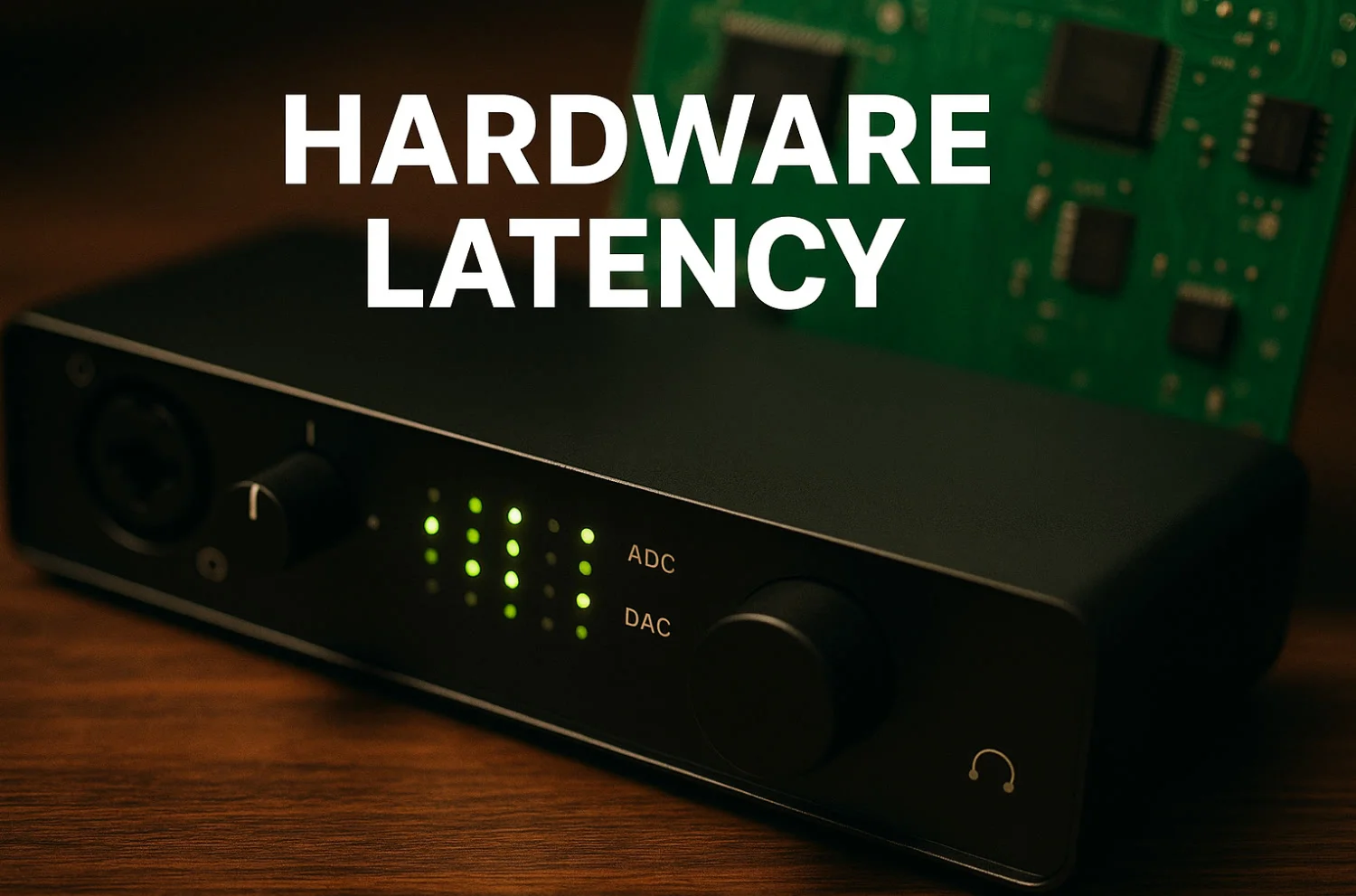
Of all sources, hardware latency is often the most fundamental—and the hardest to improve, since it’s often limited by physical and electrical design.
Latency in A/D and D/A Conversion
Converting sound from analog to digital and back inevitably introduces delay:
- Sampling Delay: Time to capture each audio sample. A higher sampling rate decreases this.
- Quantization Delay: Time to process and encode each sample into digital form.
- Converter Design: Architectures such as Sigma-Delta or SAR introduce varying, unavoidable delays.
- Filtering Delay: Anti-aliasing and reconstruction filters before A/D and after D/A conversion add processing delay.
For context, modern Delta-Sigma ADCs generally induce less than 1 ms of latency5. Top audio hardware brands invest heavily in minimizing these physical delays.
Delay in Physical Connections
Transmission of audio over different wired or wireless connections adds its own delay, as measured by round-trip latency (RTL)6789:
| Connection Type | Round-Trip Latency | Sample Product Measurement | Features |
|---|---|---|---|
| USB 2.0/3.0 | 4–8 ms | Focusrite Scarlett 4th Gen: ~6 ms | Stable, supports wide devices |
| FireWire 800 | 3–7 ms | UA Apollo FW800: ~5 ms | Older standard |
| Thunderbolt | <1–3 ms | PreSonus Quantum 2626: <1 ms | Direct PCIe; ultra-low latency |
| HDMI | 2–5 ms | Standard consumer gear | For A/V sync |
| Bluetooth aptX-LL | ~40 ms | Qualcomm specs | Prioritizes convenience |
Even within the same interface type, exact figures depend on generation or implementation. Thunderbolt leads the pack for minimal latency, especially in pro setups.
Latency from Software Processing
Software delays are typically easier to control, but still require careful management.
Audio Drivers and System Buffers
How your operating system handles audio can significantly affect latency:
- Driver Choice: Dedicated drivers like ASIO (Windows), Core Audio (macOS), or ALSA/JACK (Linux) offer the lowest latency, bypassing higher-level processing410.
- Buffer Size: Smaller buffers decrease latency, but increase the risk of audio dropouts if the system can’t keep up.
- System Resource Sharing: Other system tasks can preempt the CPU, causing unpredictable delays.
- Interrupt Handling: How quickly the OS responds to hardware interrupts impacts real-time audio reliability.
Professional audio workstations are usually tuned by disabling excess background processes, optimizing power settings, and fine-tuning interrupt handling to ensure minimal, stable latency.
Processing and DSP Complexity
Digital signal processing (DSP) adds latency, depending on the processing being performed:
- Effects (Reverb, Echo, Compression): Each adds processing time.
- Equalizers: Especially high-order or linear-phase EQs, which rely on lookahead processing, can delay signals noticeably.
- Dynamics Processing: Compressors or limiters require brief analysis periods before acting.
- Resampling: Changing the sample rate invokes filters that add their own delay.
More complex processing often means more latency, but may also deliver better sound. Some advanced algorithms use parallelization to limit latency impact.
Latency over Networks
Online collaboration or remote audio introduces network-related delays:
- Signal Travel Time: Limited by physical distance (speed of light in fiber is ~200,000 km/s).
- Network Congestion: Packets can get queued in switches/routers, adding delay.
- Protocol Overhead: TCP ensures packet delivery but is slower; UDP is faster but less reliable.
- Relay Hops: Each additional router or switch in the signal path adds some delay.
- Network Jitter: Unpredictable changes in packet timing mean larger safety buffers are required, further increasing overall latency.

Research11 shows typical VoIP calls have total (“end-to-end”) latency of 160–300 ms. Advanced remote production systems can lower this to 20–50 ms, with sub-15 ms remaining a practical rarity. Network optimization is central to pro-grade online audio tools.
Buffering Strategies and Managing Latency
Choosing the right buffering method is essential for balancing latency and audio quality—especially on resource-constrained systems or unreliable networks.
Buffer Size: Stability vs. Latency
Buffers temporarily hold audio data, but bigger buffers mean longer wait times before audio is played. The relationship is simple12:

Calculate delay from buffer size:
For example, at 44.1 kHz, a buffer of 64 samples = ~1.5 ms of added delay. 256 samples = ~5.8 ms. Professional workflows often use 64–128 samples; advanced systems may go down to as little as 16 samples if the computer is powerful enough.
Buffer size needs vary by use:
| Application | Typical Buffer Size | Approx. Latency | Needed Stability |
|---|---|---|---|
| Recording Monitoring | 64–128 samples | 1.5–3 ms | Very High |
| Virtual Instruments | 128–256 samples | 3–6 ms | High |
| Editing | 256–512 samples | 6–12 ms | Moderate |
| Mixing | 512–1024 samples | 12–24 ms | Moderate |
| Rendering | >1024 samples | >24 ms | Low |
Modern systems can use smaller buffers, but larger projects or more plugins typically require a larger buffer to remain stable.
Adaptive Buffering
Adaptive buffering automatically resizes the buffer to match changing system loads, maintaining a balance between low latency and reliability—especially useful for mobile or network audio:
Core parts of adaptive buffering systems:
- Monitoring: Continually checks CPU usage and stream stability.
- Decision Engine: Adjusts buffer size as needed, based on load.
- Seamless Transition: Changes buffer size on the fly without interrupting playback.
- Prediction (Advanced Systems): Uses trends in system load to preemptively adjust buffers.
When demand is high, buffers grow to avoid glitches; when idle, they shrink to cut latency. This is especially valuable on devices where power and performance change dynamically, like laptops or phones.
Measuring and Reducing Latency
Tools for Measuring Latency
To pinpoint and optimize system latency, these tools are commonly used:
Professional Tools
- RTL Utility: Measures round-trip latency with precision.
- Audient Loopback Test: Sends a known signal through your interface and measures the return.
- Built-In DAW Tools: Most major DAWs include latency reports and automatic compensation.
Basic Measurement Steps
- Connect your audio interface’s output back to its input.
- Send a recognizable audio test signal.
- Measure how long the round-trip takes—with different buffer settings as needed.
Steps for System Optimization
For Windows:
- Set power mode to “High Performance.”
- Turn off C-states and similar CPU power-saving features in your BIOS.
- Disable unnecessary services and startup apps.
- Prioritize audio applications in Task Manager.
General Tips:
- Always use the best drivers (ASIO/Core Audio).
- Keep all firmware and drivers current.
- Reduce the number of real-time plugins in session-heavy projects.
- Use SSDs to minimize data loading delays.
Frequently Asked Questions
How Do I Know if I Have a Latency Problem?
Symptoms include audio out of sync with video, or notable “sloppiness” in musical timing. Many DAWs include tools to measure latency; specialized tools like RTL Utility are even more precise.
Does Latency Affect Audio Quality?
Absolutely. Delays can cause a worsening of real-time response, phase issues, and sometimes even audio distortion. However, setting latency ultra-low can introduce glitches if the system can’t keep up.
What Hardware Changes Lower Latency?
Start with converters that offer fast A/D and D/A times. Choose low-latency protocols like Thunderbolt rather than USB where possible, and keep drivers up-to-date. Select the smallest buffer size your system handles reliably.
Which Connection Is Fastest for Audio?
Thunderbolt currently offers the lowest round-trip latency—as little as ~1 ms on top-end gear like the PreSonus Quantum 2626. This is possible because Thunderbolt provides direct PCIe access, bypassing packet-based bottlenecks seen in USB.
What Does Adaptive Buffering Do?
It automatically tracks system load and audio stream performance, continually balancing buffer size for the best mix of low latency and reliability. This is especially useful in mobile or network environments, where conditions are variable.
How Much Does Latency Matter for Online Audio?
Latency is critical for any real-time collaboration or live streaming—high latency delays conversation and creates disconnects between sound and action. Research shows that VoIP delays above 300 ms can severely disrupt communication.
Round-Trip vs. One-Way Latency: What’s the Difference?
Round-trip latency (RTL) measures the total time a signal spends traveling from input, through processing, back out, and into your ears. It’s the true indicator of “feel” for musicians and real-time communicators. One-way latency only measures a single direction, which underrepresents the delay performers actually experience.
Conclusion
While audio latency is a complex, multi-layered issue, understanding its origins—and tools for controlling it—empowers you to achieve optimal results. By tuning hardware, streamlining software processes, selecting suitable network solutions, and applying smart buffering, both professionals and casual users can enjoy responsive, high-quality sound.
Audio technology offers a growing set of solutions—from ultra-fast Thunderbolt interfaces and advanced adaptive buffering to dedicated latency measurement tools. These innovations drive smoother music production, better real-time experiences, and more natural communication.
Effective latency management calls for a holistic approach—paying attention to hardware choices, software optimization, and network configuration—for superior performance in any audio workflow.
References
Footnotes
-
Wikipedia. “Latency (audio).” https://en.wikipedia.org/wiki/Latency_%28audio%29 ↩
-
ACM Digital Library. “Measuring the Just Noticeable Difference for Audio Latency.” https://dl.acm.org/doi/fullHtml/10.1145/3678299.3678331 ↩
-
Church Production Magazine. “Latency and Its Effect on Performers.” https://www.churchproduction.com/education/latency-and-its-affect-on-performers/ ↩
-
Microsoft Learn. “Low Latency Audio - Windows drivers.” https://learn.microsoft.com/en-us/windows-hardware/drivers/audio/low-latency-audio ↩ ↩2
-
Texas Instruments. “Conversion latency in delta-sigma converters.” https://www.ti.com/lit/pdf/slyt264 ↩
-
TalkBass Forum. “USB Audio Interface and Latency.” https://www.talkbass.com/threads/usb-audio-interface-and-latency.1621886/ ↩
-
LEWITT Audio. “How to get low latency for your audio interface.” https://www.lewitt-audio.com/blog/low-latency-audio-interface ↩
-
UAD Forum. “Apollo Quad - firewire 800 - latency.” https://uadforum.com/community/index.php?threads%2Fapollo-quad-firewire-800-latency.19413%2F ↩
-
PreSonus. “Quantum 2626 Technical Specifications.” https://www.presonus.com/products/quantum-2626 ↩
-
Sweetwater. “The Difference Between the ASIO, WDM and MME Drivers.” https://www.sweetwater.com/sweetcare/articles/roland-difference-between-asio-wdm-mme-drivers/ ↩
-
Wikipedia. “Latency (audio) - Network transmission.” https://en.wikipedia.org/wiki/Latency_%28audio%29 ↩
-
RME Audio Forum. “Understanding latency.” https://forum.rme-audio.de/viewtopic.php?id=38609 ↩
Subscribe to Our Newsletter
Be the first to know about our latest news and product releases.
No spam. Unsubscribe at any time.
Read More
View All →
Deconstructing Sound: On‑Device AI Vocal Removal
August 19, 2026
Best Practices for Audio Capture in Large Conference Rooms (2025)
July 31, 2025
DSP Hardware vs. Software in Remote Meetings: Who Ensures Sound Quality?
July 15, 2025
From Lightning to USB-C, Have Power Supply Issues for Portable Audio Interfaces Been Solved?
July 11, 2025
Stanford University Releases the AI Index Report 2025: Key Takeaways for Businesses
June 30, 2025
What is Digitally Variable Directional Microphone?
June 20, 2025News
Stay updated with the latest news, product releases, and industry insights from Pawpaw Technology.
View AllLet's Work Together!
Creating products with outstanding sound
Let's Work Together!
Room 507, Block B, Phase I Tianan Innovation and Technology Plaza Futian District, Shenzhen, China
New Business
sales@pawpaw.cnTechnical Support
support@pawpaw.cn